Create through conversation
Describe an idea and refine it as you try it.

Setrice for Mac
Describe what you want. Setrice builds it as a widget for your Mac desktop, using HTML, CSS, and JavaScript, with access to useful parts of your Mac.
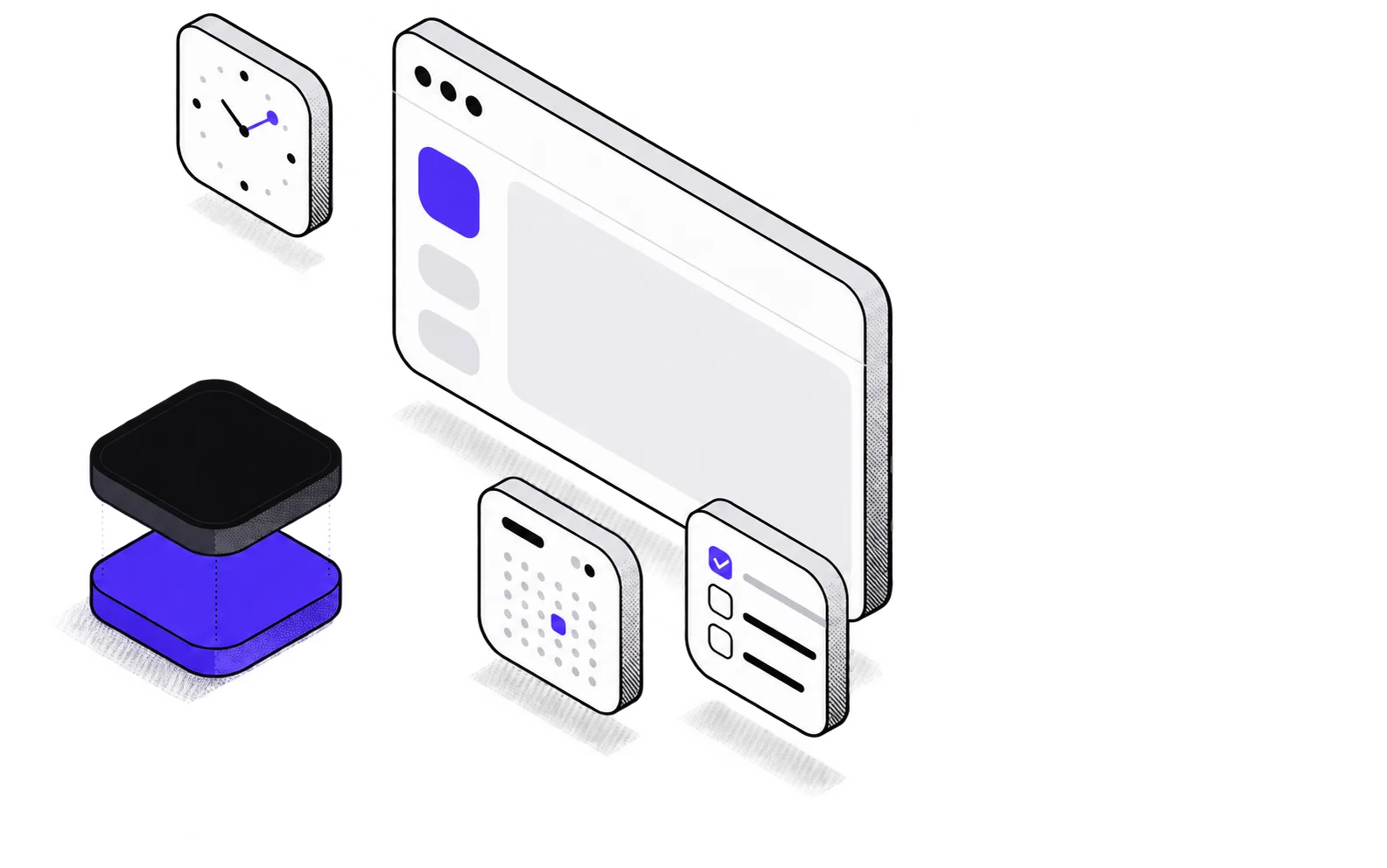
Start with one useful widget. A widget can be a small mini-app: a task list, focus timer, or personal dashboard.
Describe an idea and refine it as you try it.
Shape the appearance and behavior around your routine.
Add native actions and information from the web.
Make a minimal focus timer with a large countdown and a break button.
No blank code editor required. Try the result and keep shaping it.
Tell the AI assistant what you want the widget to do.
Try the widget and see how it fits your routine.
Refine the appearance and behavior through conversation, or edit the code.
Choose a display, move the widget into place, and resize it if supported.
Ideas you can create. These are not bundled widgets.
Keep a few priorities and their progress in view.
Make room for focused work and breaks.
Give selected photos a quiet place on your desktop.
See useful information about your Mac at a glance.

Create one useful widget, then make it your own.